
Introduction
In today’s digital business environment, efficiency and connectivity drive success. Companies are always looking for new ways to make their workflows and improve communication.
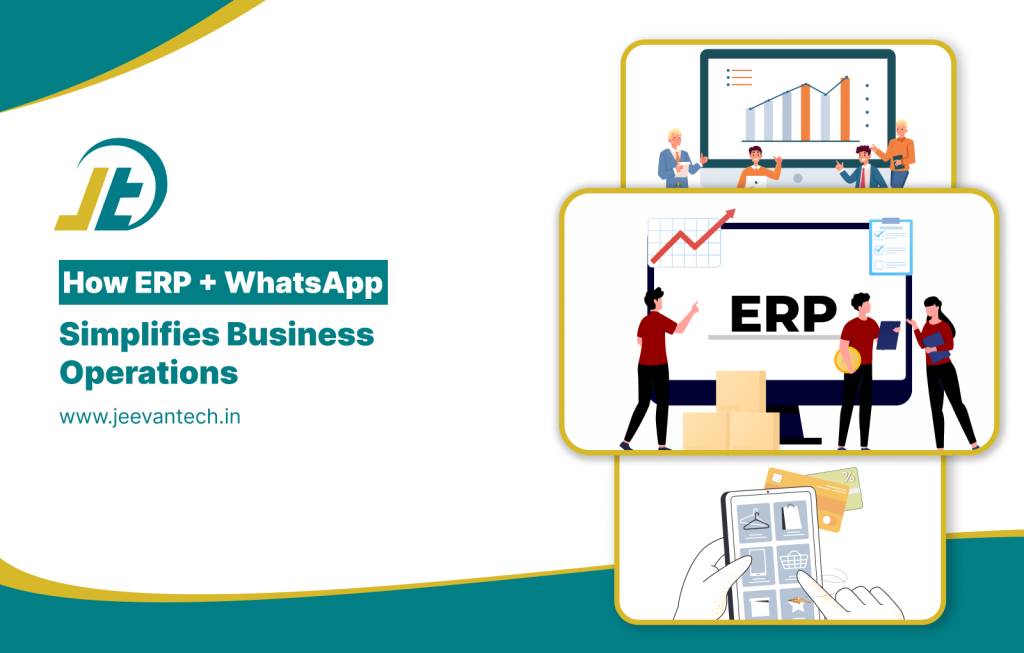
One of the most significant innovations is a combination of ERP WhatsApp Integration, a powerful combination that bridges enterprise systems and communication tools.
By connecting WhatsApp directly with ERP systems, organizations will be able to realize WhatsApp ERP automation, react to their customer faster responses, and deliver streamlined business operations that reduce time consuming and at the same time productivity is increased.
What Is ERP WhatsApp Integration?
ERP WhatsApp Integration refers to the process of linking WhatsApp Business API to an ERP system such as SAP, Oracle, or Odoo. Essentially, it is the fusion of communication with business data for real-time interaction within the ERP workflows embedded in an ERP dashboard.
It makes business processes integration becomes less complicated and accessible for employees and customers.
By using an ERP system like this, client inquiries are instantly responded to, in other words, a 24/7 assistance service is available which is powered by bots connected to ERP databases. learn more about DESIGN
As result, enterprises benefit from efficient business operations with fewer delays and increased transparency.
Benefits of ERP WhatsApp Integration
1. Real-Time Communication ERP Data
The benefit of ERP WhatsApp Integration is the facilitation of real-time communication ERP access. employee or customer may get such information as product availability, shipment status, or billing details immediately via WhatsApp.
This level of business process integration keeps all stakeholders while maintaining streamlined business operations.
2. Automated Customer Support
ERP customer support automation system makes the customer experience.
By using ERP customer support automation, companies are able track each request that is logged in the ERP system, ensuring that there is no difference in the communications channels.
3. Improved Business Process Integration
Conventional ERP systems usually isolate their functions. By using WhatsApp integration, these gaps can be linked departments like sales, finance, and logistics in one conversational interface.
This business process integration allows real-time sharing of ERP data in real-time via WhatsApp, reducing dependency on email.
4. Enhanced Team Collaboration
Real-time communication ERP configurations are a great source of energy for the internal teams. By ERP WhatsApp integration employees can collaborate instantly on tasks,share documents or update project statuses.
With automated WhatsApp messages, HR, finance, and procurement can perform work in an efficient way.
5. Simplified Data Sharing and Security
ERP WhatsApp Integration ensures secure sharing of business data. All transactions with WhatsApp ERP automation are end-to-end encrypted. Employees can share reports, invoices, or analytics safely by utilizing the integrated WhatsApp interface.
By combining real-time communication ERP, companies can keep the data correct yet allow easy staff interaction.
How ERP WhatsApp Integration Works
The ERP WhatsApp Integration process involves that connects the WhatsApp Business API with the ERP backend via APIs and automation tools.
Here’s how it functions:
- ERP Data Connection: The ERP system communicates with WhatsApp through APIs which can access data like orders, inventory, and billing.
- Automation Layer: Through WhatsApp ERP automation, the chatbots update the response based on ERP data triggers.
- Real-Time Alerts: Shortage of goods, shipments getting delayed, or confirmation of payments are just a few examples of the notifications.
- Customer Interaction: Clients can directly message via WhatsApp and ERP customer support automation replies instantly.
- Tracking and Reporting: The entire communication is stored in the ERP, which is used to keep track of and enhance the business operations that have been made efficient through the integration.
This is an example of a complete business process integration whereby the departments coordinate without any difficulties, thus saving time and avoiding mistakes.
Use Cases of ERP WhatsApp Integration
1. Order and Inventory Management
Simplified WhatsApp ERP automation enables sales teams to look at the stock simultaneously and even confirm orders without delay.
The ERP system refreshes the numbers automatically and also sends the notices through the real-time communication ERP channels.
2. Supplier Coordination
ERP WhatsApp Integration makes vendor relations easier. Suppliers get immediate news regarding purchase orders, payments, and the arrival of goods by means of business process integration.
3. Customer Service Automation
ERP-supported customer service automation lets users open a ticket or request product information right from their WhatsApp account.
The Future of ERP WhatsApp Integration
Besides text-based AI responses, the following generation of ERP WhatsApp Integration will also feature voice-based AI assistants and predictive analytics. explore more about whatsapp integration
With WhatsApp ERP automation, the AI will be capable of not only sending the updates but also suggesting the actions to be taken by analyzing the AI insights.
Best Practices for Implementing ERP WhatsApp Integration
- Decide on the Appropriate ERP System: Make sure that your ERP is capable of supporting open APIs for easy ERP customer support automation.
- Use CRM Data: Blend business process integration with CRM to take the personalization to a new level.
- Prepare Your Team: Staff members should be knowledgeable about the management of real-time communication ERP workflows in an efficient manner.
- Keep the Automation Limit in Check: Implement ERP customer support automation as part of your tactics only — maintain a balance between AI-generated responses and human assistance.
- Measure KPIs: Keep a record of efficiency gains from streamlined business operations in order to better your integration strategies.
Conclusion
WhatsApp integration with an ERP system is changing the way the organizations communicate, collaborate, and operate. With ERP customer support automation, Streamlined business operations and real-time communication ERP, companies can still have the means to keep their processes fast and accurate.
FAQ’S
1. What is ERP WhatsApp Integration?
ERP WhatsApp Integration is a process of linking an enterprise resource planning system with WhatsApp Business API to facilitate customer-centric communication, WhatsApp ERP messaging automation, and smooth business management.
2. How does WhatsApp ERP automation work?
In WhatsApp ERP automation, WhatsApp messages are linked with the ERP backend resulting in the ability to provide an instant customer’s response, shipment/tracking updates, and create business process- integration automated workflows.
3. Can ERP WhatsApp Integration improve customer support?
Yes. By means of ERP customer support automation, corporations may turn into instant responders to their clients, at the same time as they keep accurate records of the client requests.
4. What are the benefits of real-time communication ERP?
Operating a real-time communication ERP gives the employees and customers instant access to business data such as stock, billing, shipment status, and so on, thus making the business processes more efficient.
5. How does ERP WhatsApp Integration help in business process integration?
When a company integrates WhatsApp with ERP, there is no delay in data exchanging among departments such as sales, finance, and logistics as they can do it through automated messages, thus totally getting rid of the mistakes caused by the manual data input and the improvement of the workflow coordination.
Recent Posts







Author
